01
Too much context switching
Designers move between Adobe apps, DAM platforms, spreadsheets, and ticketing tools to finish one task.
Evolve Blue builds and modernizes extensions for Photoshop, Illustrator, InDesign, Premiere Pro, and After Effects. We bring approved content, business rules, and connected systems into the tools creative teams already use.
01 / Why teams extend Adobe
Creative teams lose time when assets, metadata, approvals, and production rules live outside the host application. A focused extension brings those steps into one governed flow.
Designers move between Adobe apps, DAM platforms, spreadsheets, and ticketing tools to finish one task.
Naming, resizing, metadata entry, layout setup, and export checks repeat across every asset or campaign.
Product, licensing, campaign, and brand data change in business systems without reaching creative files cleanly.
Older CEP and ExtendScript tools become harder to secure, support, and release as Adobe platforms change.
02 / What we build
We cover the in-app experience, the services behind it, and the operational work needed to keep the extension useful after launch.
We build focused panels, dialogs, commands, and contextual tools for current Adobe application models.
We automate repeatable setup, asset placement, file naming, resizing, export, review, and handoff steps.
We connect Adobe apps to approved assets, product data, content platforms, and internal APIs with clear access rules.
We build controlled templates for catalogs, packaging, licensed artwork, campaign variants, and production documents.
We assess existing code, preserve critical workflows, and move supported features to UXP or a stable service layer.
We prepare signing, packaging, testing, documentation, private deployment, and Adobe marketplace submissions.
03 / Enterprise AI layer
AI should reduce preparation and review work without taking control away from designers. We place models behind clear permissions, approved sources, and human checkpoints.
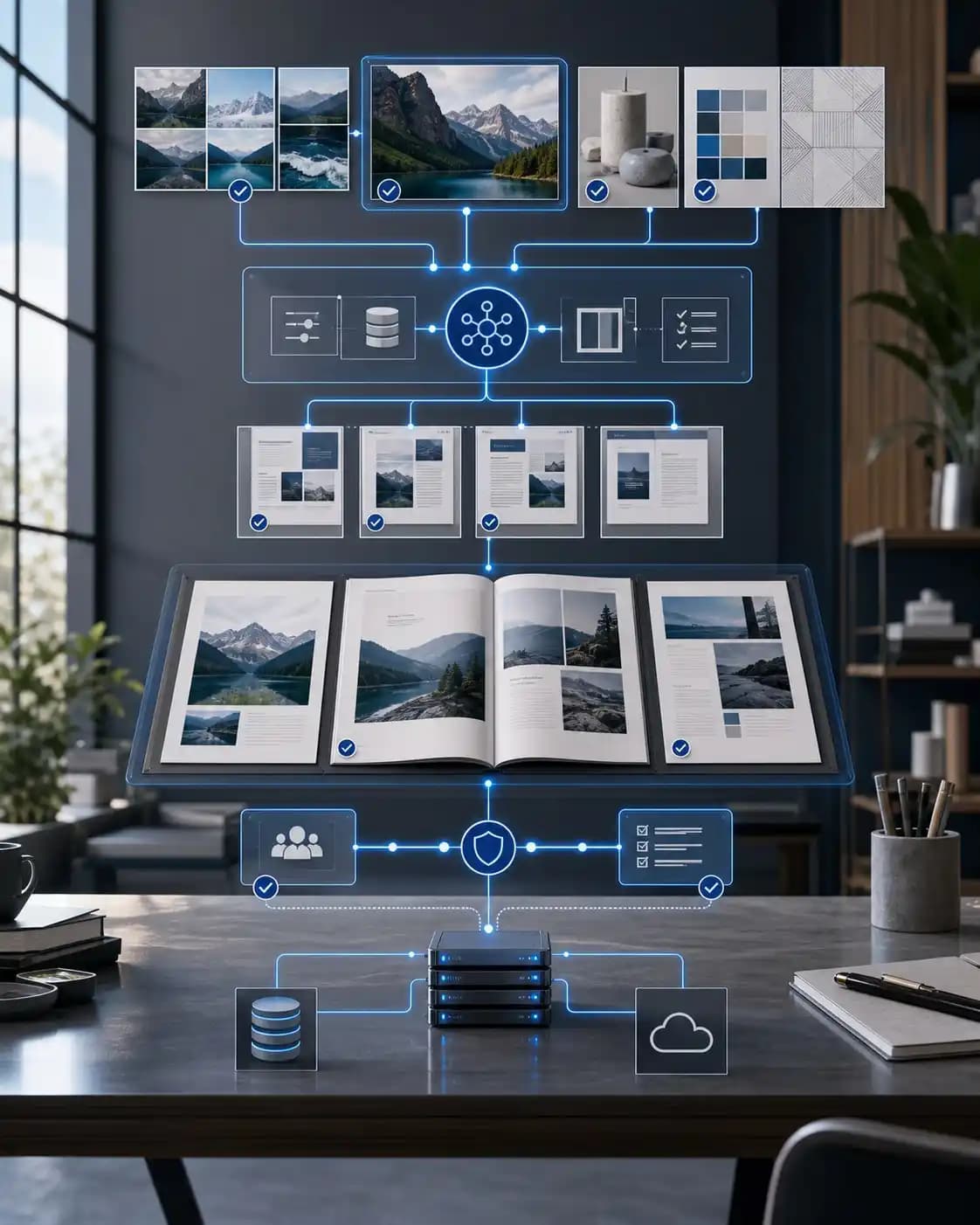
Enterprise AI workflow
DAM, PIM, CMS, licensing, campaign, and policy sources.
The user works inside the host application with role-aware controls.
Models assist with search and checks while business rules and people govern output.
Files, metadata, approvals, and status return to enterprise systems.
04 / Modernize and operate
A plugin is part of a larger production system. We plan for version changes, access controls, deployment, observability, and long-term ownership from the start.
We inventory commands, dependencies, APIs, and host-app differences before choosing a staged migration path.
Sensitive business logic and credentials stay behind managed APIs, identity controls, and auditable services.
We test host-app changes, track errors, maintain packages, and add new workflows through planned releases.
05 / Relevant work
Our case studies show the operational side of plugin development: governed files, accurate production data, and tools that stay useful for years.
Adobe plugin suite
A connected suite for Illustrator, Photoshop, and InDesign reduced manual artwork replication and helped teams keep licensed creative work consistent.
Photoshop workflow
A custom Photoshop extension and admin panel automated naming and storage rules while giving operations teams control over the workflow.
06 / Delivery process
We validate the user journey and host-app limits early, then build in small releases with real creative files and enterprise systems.
Map the creative task, users, host apps, source systems, and release constraints.
Test the panel flow and technical seams with representative files and users.
Develop the extension, services, integrations, permissions, and automated checks.
Package, deploy, document, monitor, and support the extension after launch.
07 · Common questions
We build extensions for Photoshop, Illustrator, InDesign, Premiere Pro, and After Effects. The exact architecture depends on the host application, Adobe API support, and the workflow you need.
Yes. We first review the existing panel, ExtendScript code, native dependencies, and unsupported APIs. We then define what can move directly, what needs a service layer, and what should be retired.
Yes. We connect extensions to DAM, PIM, CMS, CRM, licensing, and custom business systems through secured APIs. We also plan caching, offline behavior, permissions, and audit needs.
We use AI for focused tasks such as asset search, tagging, content checks, summarization, and guided production steps. We keep approved data sources, permissions, and human review in the flow.
Yes. We support private enterprise distribution, package signing, version testing, marketplace preparation, release notes, monitoring, and ongoing maintenance.
Show us the manual steps, existing extension, or connected systems. We will define a practical plugin and modernization path.