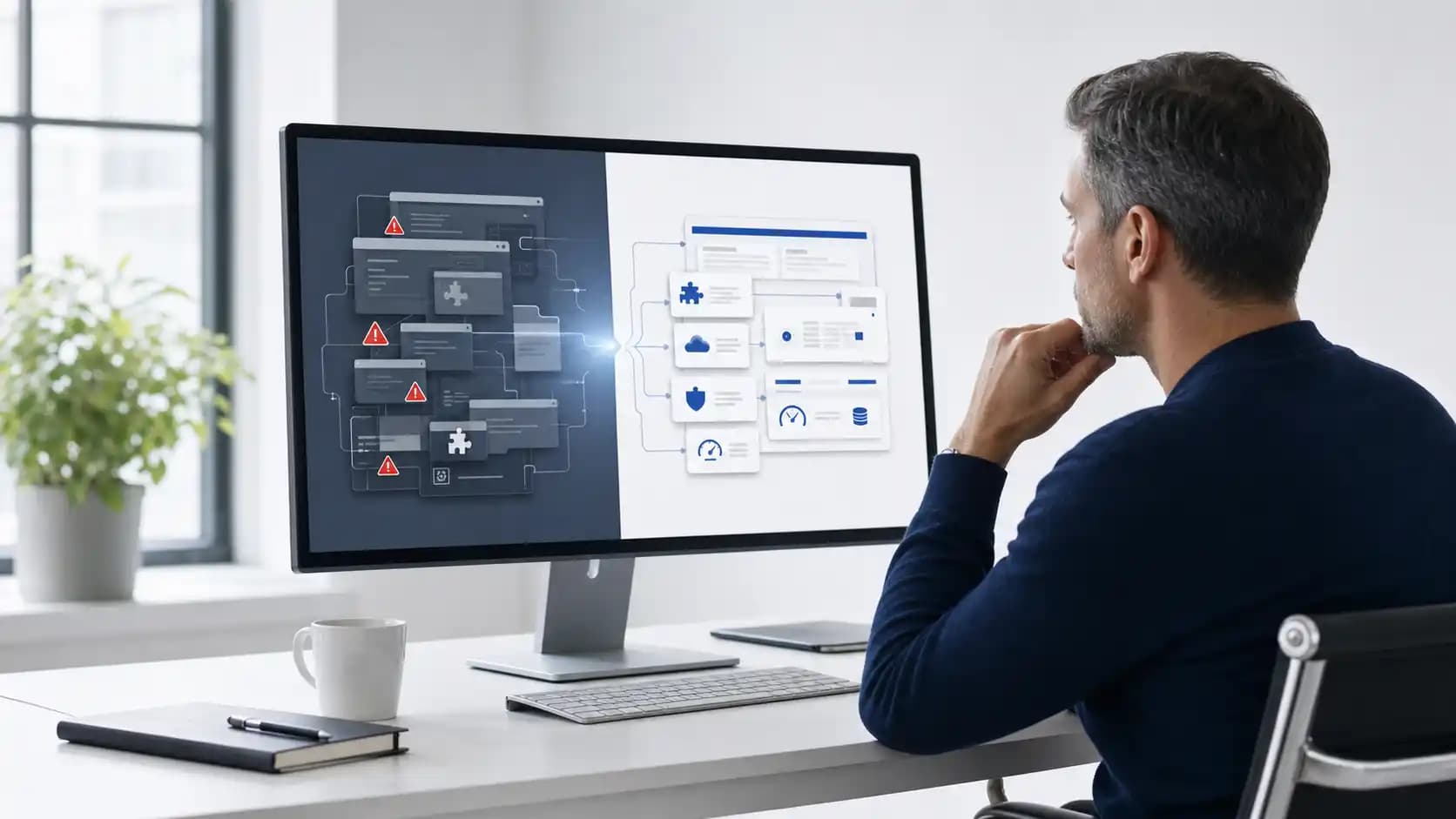
WordPress modernization often starts after a routine update breaks a page.
The site still works, so another patch feels cheaper. Yet every plugin adds another dependency your team must watch.
The right answer is rarely automatic. Patch, rebuild, and replacement each fit a different kind of failure.
The symptom is not the decision
Slow pages, failed updates, and security alerts can share one cause. They can also come from separate problems.
A decision based on the loudest symptom often wastes money. Trace the failure before choosing the fix.
- Measure page speed on the routes customers use
- List every plugin and its business owner
- Review update failures from the past year
- Map content, forms, search, and integrations

Patch when the core still fits
A patch makes sense when the content model works and the problem has a clear boundary.
Remove unused plugins, fix the theme, tune caching, and close security gaps. Then measure the result.
- Editors can publish without workarounds
- Key plugins still receive active support
- Performance problems have known causes
- The next two years need no major workflow change
Rebuild when the experience is trapped
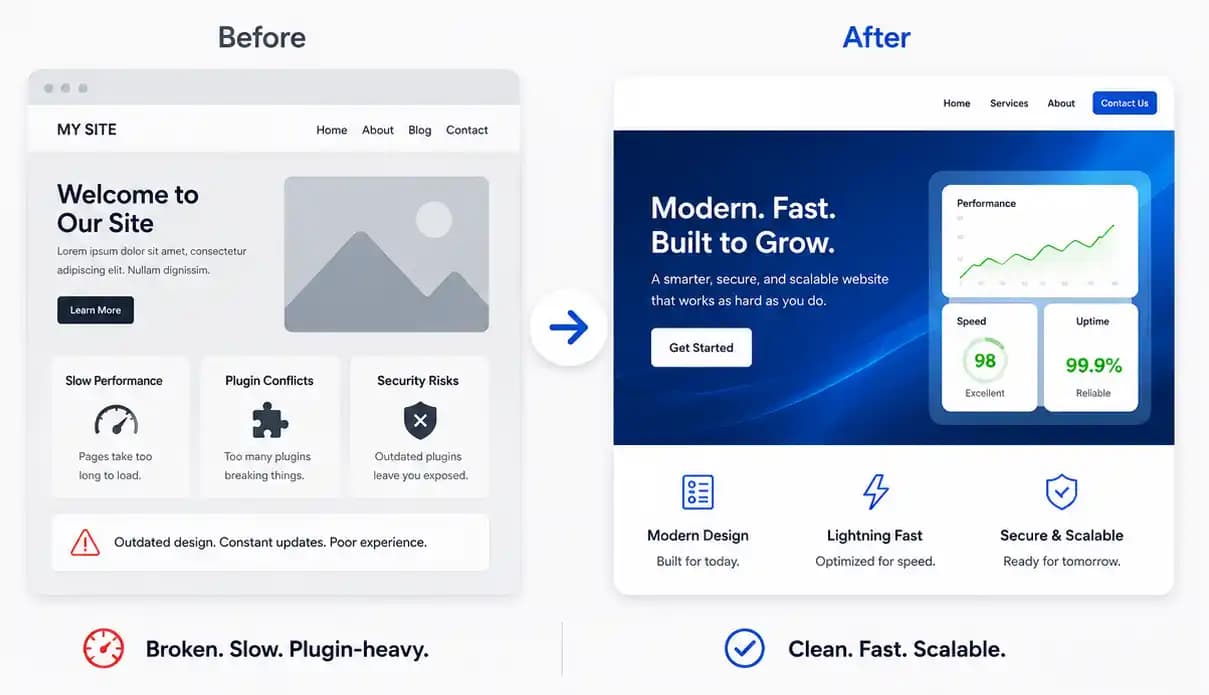
A rebuild fits when the content is sound but the theme and plugin stack block better customer journeys.
Keep the useful content and URLs. Replace the fragile presentation layer and simplify how data moves.
- Preserve search rankings and redirects
- Cut plugins that duplicate core features
- Build reusable page patterns
- Test performance before launch
Leave when WordPress limits the work
Moving off WordPress makes sense when the website has become a custom application in disguise.
Complex permissions, live data, and product workflows often need a platform designed around those jobs.
- Plugins own business-critical workflows
- Updates repeatedly break custom code
- Security controls exceed the platform model
- The site must behave like a software product
Closing view
The choice is not WordPress versus modern technology. It is recurring repair versus a platform that fits the work.
Fix what is broken. Rebuild only when the evidence says the foundation is the problem.