Most companies think they only have two choices: keep fighting a slow WordPress frontend, or rip out the CMS your marketing team already knows.
Neither one is free. A full migration risks your SEO rankings and breaks publishing habits built over years. Staying put means paying for plugins, hosting, and developer hours every time the site needs to change.
There is a third option. It does not ask your marketing team to give up WordPress, and it does not ask your customers to accept a slow site.
WordPress's frontend costs more than it looks
WordPress was built to manage content, not to render fast, modern interfaces. Every plugin becomes rendering logic, and rendering logic becomes a bill.
Industry pricing guides put a professional WordPress redesign at $15,000 to $40,000, plus $1,500 to $5,000 a year in hosting, premium plugins, and maintenance retainers. Widely cited research on page speed puts the cost of a one-second delay at roughly a 7% drop in conversions.
- A professional redesign typically runs $15,000–$40,000
- Hosting, plugins, and maintenance retainers add $1,500–$5,000 a year
- A one-second delay can cut conversions by about 7%
- Every redesign still needs a developer for templates and plugins
- Slow pages and weak Core Web Vitals keep costing search rank
A headless setup keeps WordPress and modernizes the frontend
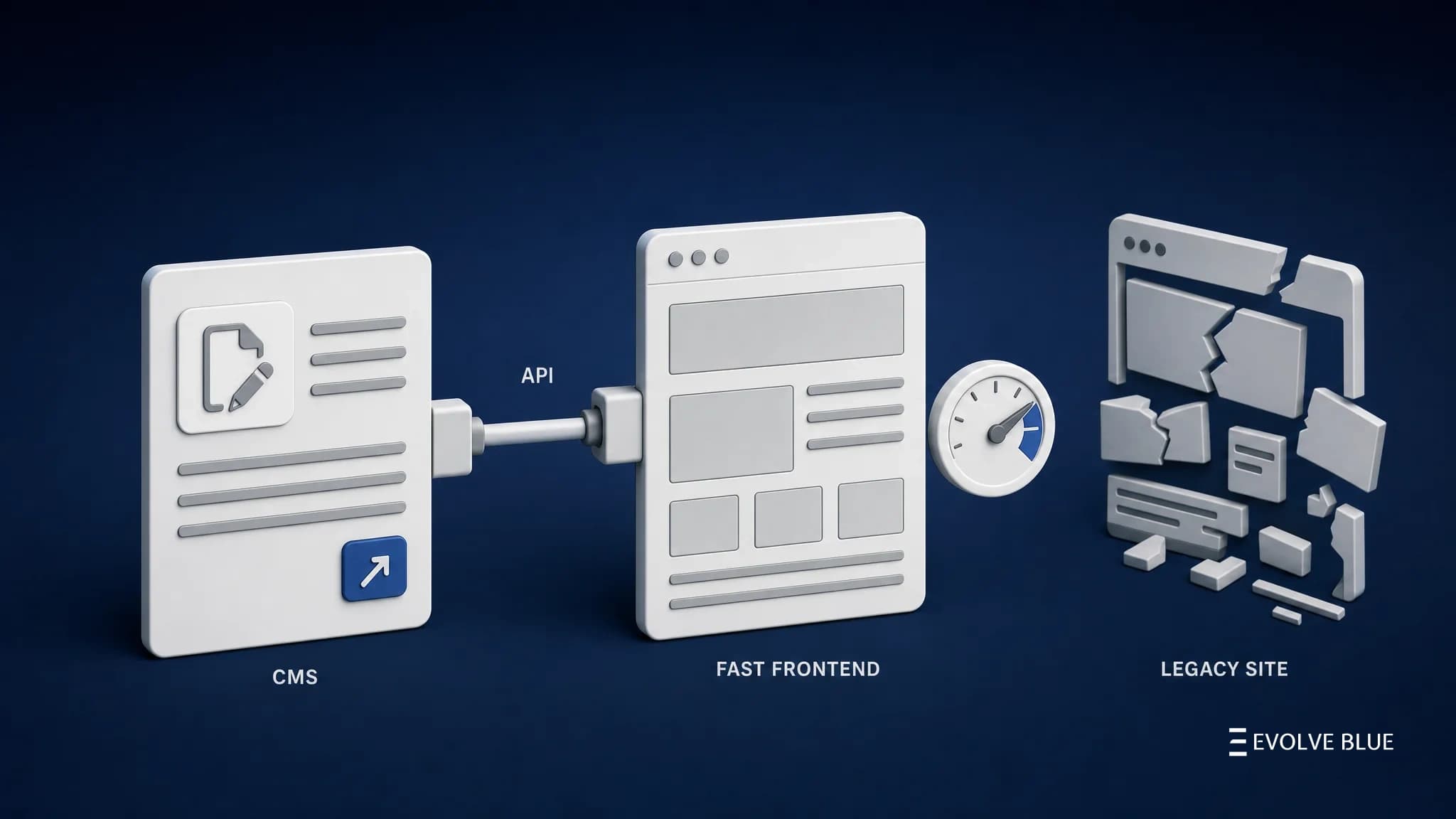
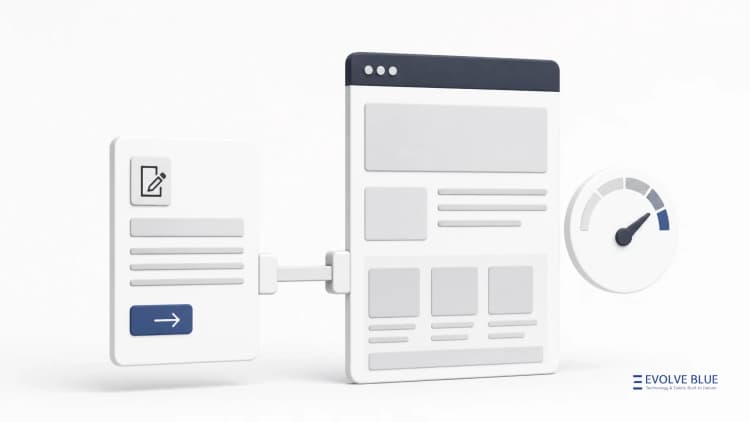
A headless setup splits the job. WordPress stays the system marketing already knows. A Next.js and React frontend takes over what customers see.
Content moves from WordPress to the frontend through an API. Editors keep publishing the same way. Nobody writes code for every new page.
- Marketing keeps creating and publishing in WordPress
- Existing URLs and SEO structure can stay the same
- New pages appear automatically through dynamic routing
- Next.js and React control speed, design, and UX
- Fewer developer tickets for routine page changes

Lighthouse scores jump across every category
These gains are not isolated. Moving rendering onto Next.js typically lifts every Lighthouse category at once.
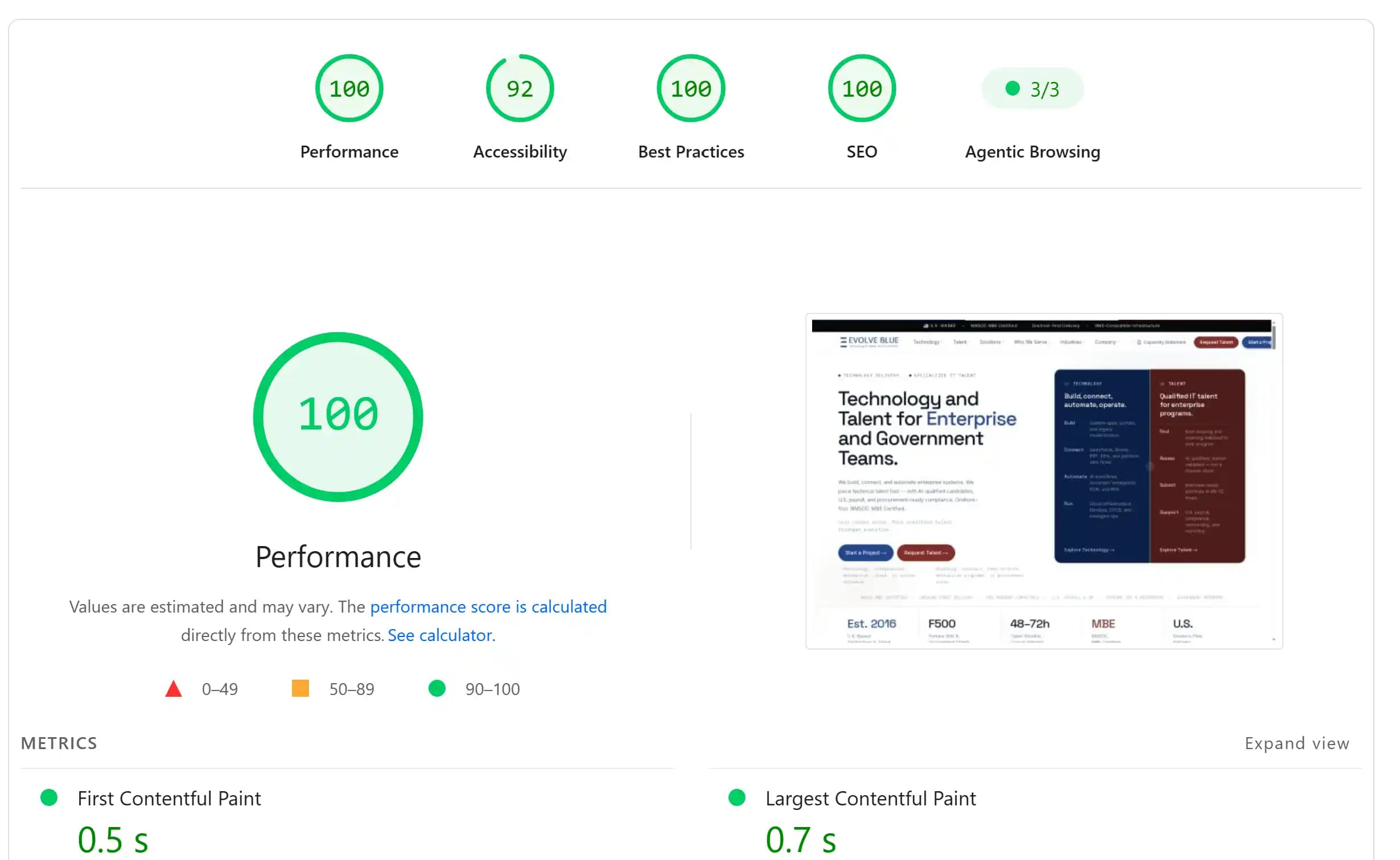
A heavy WordPress stack often scores in the 40s for performance and the 70s for accessibility. A headless Next.js frontend commonly reaches the high 90s across the board. Evolve Blue's own site runs this approach, scoring 100 for Performance, 92 for Accessibility, 100 for Best Practices, and 100 for SEO.
- Performance typically climbs from around 40 into the high 90s or a clean 100
- SEO can reach a clean 100, independent of plugins or slow bolt-on additions
- Accessibility typically rises from around 70 into the 90s
- Image handling becomes automatic — modern formats and sizes generated on the fly
- Every score moves together, not traded off against each other
Modernizing gradually beats a risky rebuild
Evolve Blue has delivered several website modernization projects built around performance, SEO, accessibility, and scalable front-end development.
High-traffic pages move first and prove the pattern. The rest follow on the same rhythm marketing already uses to publish.
- A performance and speed-first engineering mindset
- SEO-friendly architecture that protects existing rankings
- Accessible, modern UX built on reusable React components
- Faster delivery of new pages and features
- Lower long-term maintenance and less plugin risk
Closing view
WordPress is not the real problem most companies are fighting. The frontend built on top of it usually is.
Keep the CMS your marketing team trusts. Modernize the site your customers see. You do not have to choose between the two.